
Home Page
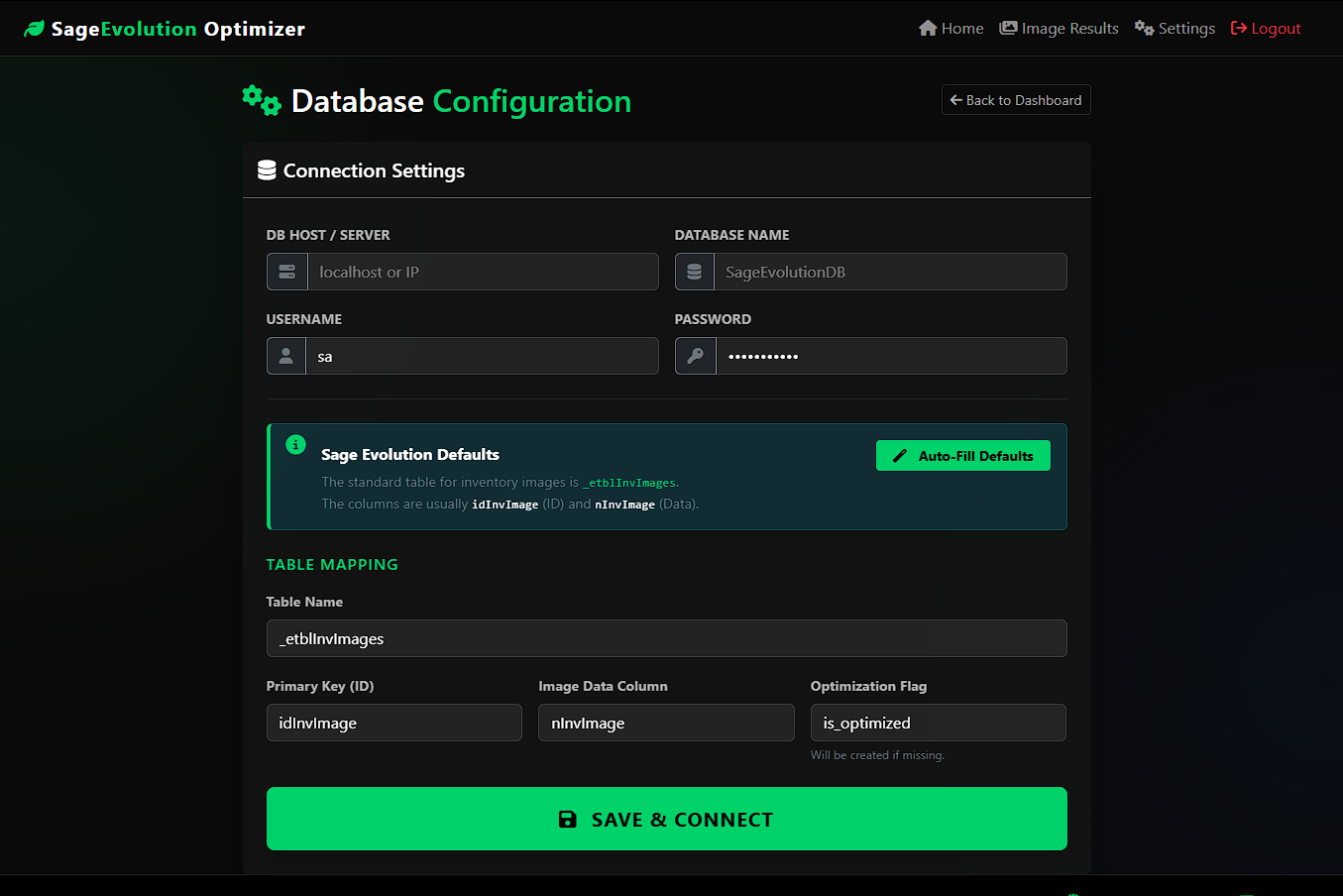
Database Settings
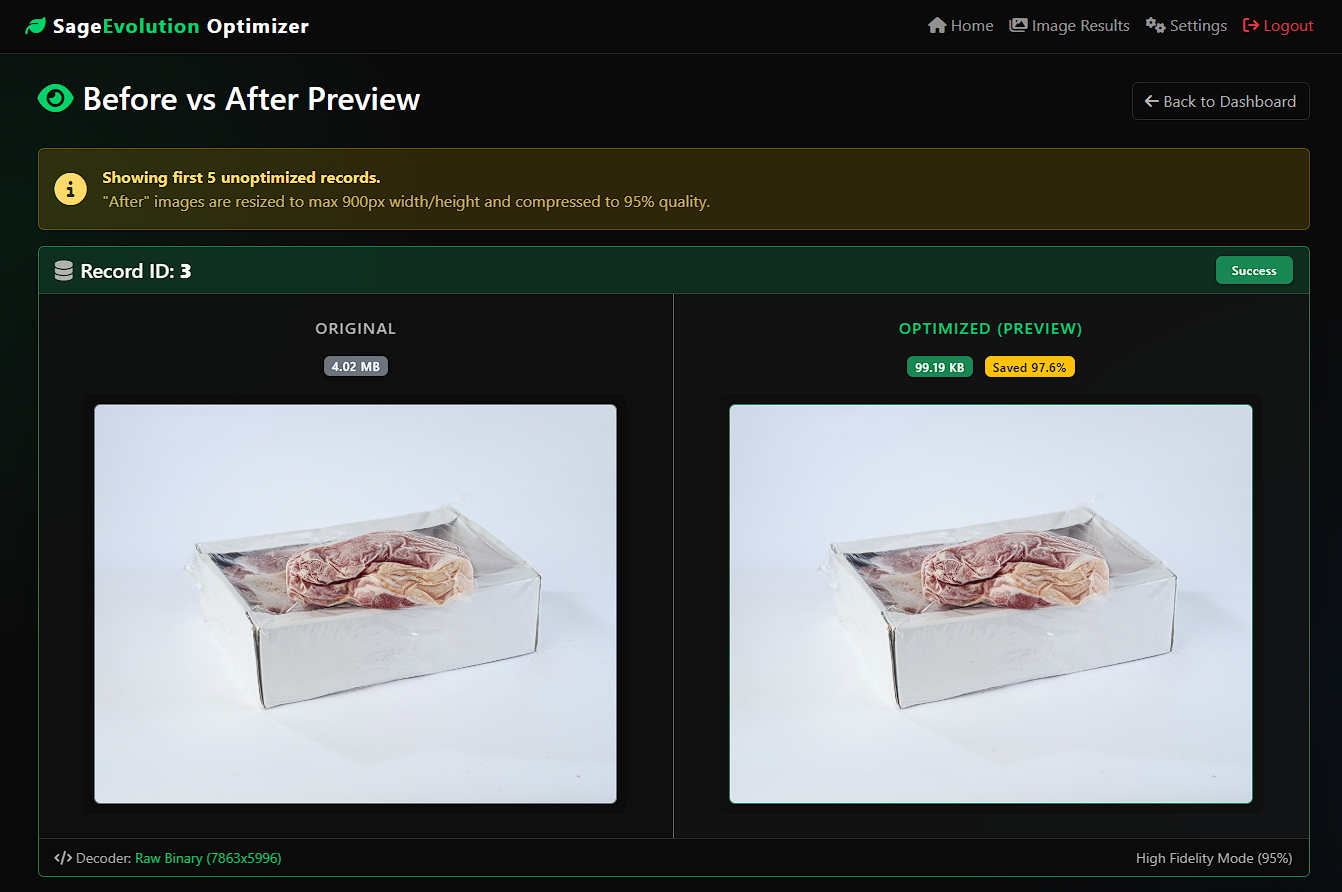
Image Size Reduction
About This Project
Bloated database sizes are the #1 cause of sluggish performance in Sage Evolution 200. High-resolution product images stored directly in your SQL database can cause backups to take hours and remote access to crawl.
The Sage Evolution Image Optimizer is a specialized utility designed to intelligently compress your inventory images directly within the Microsoft SQL Server database. By resizing oversized images to a standardized HD resolution (900px) and applying high-fidelity compression, this tool drastically reduces storage requirements while maintaining visual clarity for invoices and picking slips.
Why use this tool?
Instant Speed: Smaller databases mean faster queries, quicker backups, and snappier remote desktop performance.
Safety First: Includes a built-in "Safety Console" that automatically clones your image table before making any changes, allowing for instant restoration if needed.
Smart Processing: Uses an intelligent "Cascade Decode" engine that handles all Sage image formats (Raw Binary, Hex Strings, and Base64) automatically.
Key Features
- 90%+ Storage Reduction: Shrinks multi-megabyte photos into optimized kilobyte-sized files.
- Automated Safety Backup: Creates a full SQL clone of your image table before optimization begins.
- One-Click Restore: Instantly revert all changes with a single click if you aren't satisfied.
- Smart "Cascade" Engine: Automatically detects and fixes Hex, Binary, and Base64 image formats.
- Batch Processing: Processes images in small chunks to prevent server timeouts or crashes.
- Live Progress Monitoring: Watch the optimization happen in real-time with a detailed system log.
- Visual Preview Mode: Compare "Before & After" quality and file size savings before running the full job.
- Secure & Private: Runs entirely on your local server—no data is ever sent to the cloud.
System Requirements
Server OS: Windows Server (Local AMPPS or IIS recommended)
Database: Microsoft SQL Server 2012 or newer
PHP Version: PHP 8.0+
Required Extensions: php_sqlsrv, php_pdo_sqlsrv, php_gd
Browser: Chrome, Edge, or Firefox (Latest Version)
Project Info
Platform:
Web Browser (Self-Hosted)
Category:
Database Utilities / ERP Tools
Release Date:
January 23, 2026